How an Arch-Based Distro Changed My Mind
I have been using Linux for roughly 30 years.
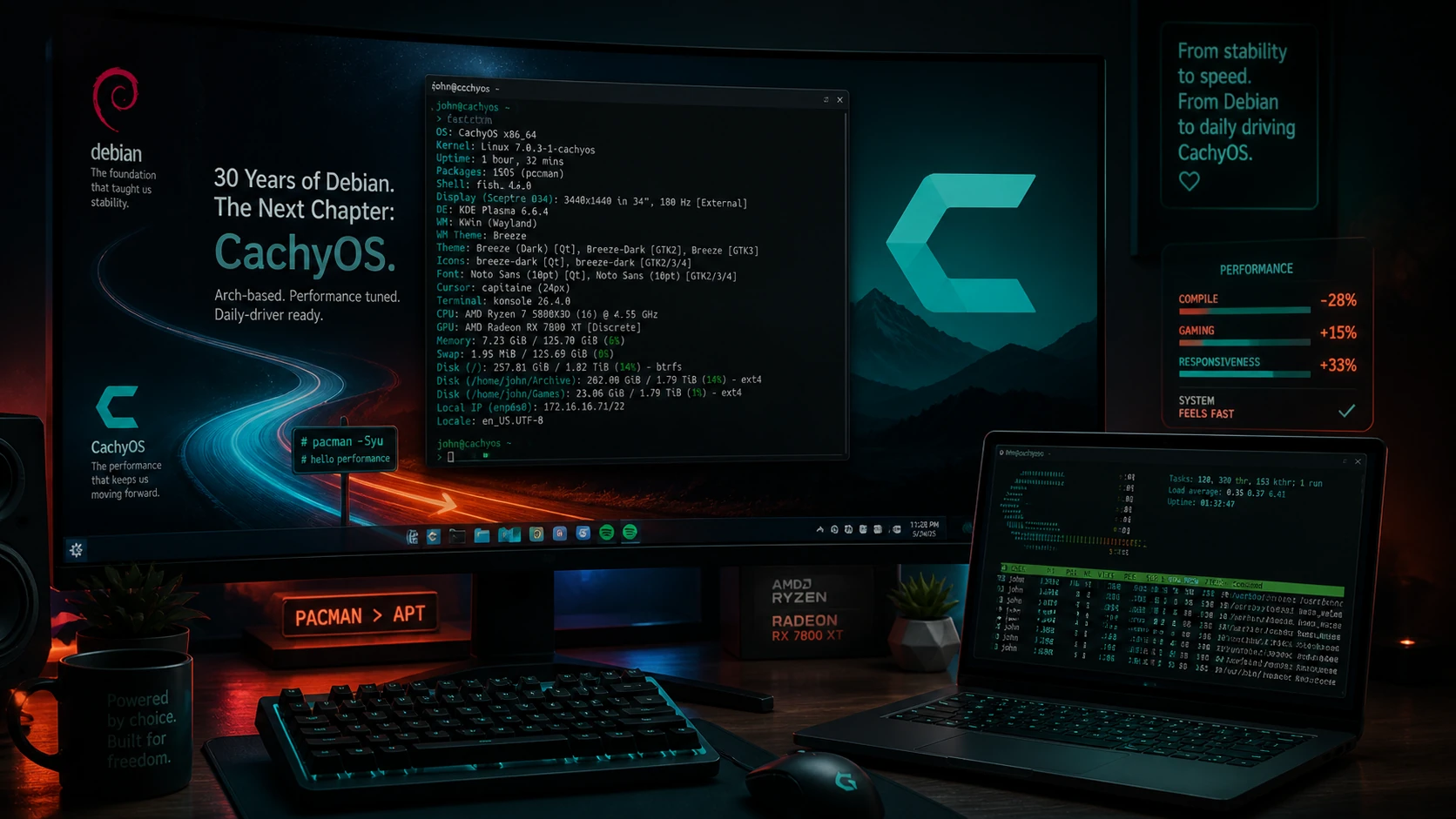
For more than 20 of those years, Debian has been my daily driver on the desktop. I go back to Debian Sarge. That was Debian 3.1, released in 2005, and for a long time it represented exactly what I wanted from a Linux workstation: stability, predictability, clean packaging, and a system that generally stayed out of my way.
So when people talked about Arch, I usually listened from a distance.
Not because I disliked Arch users. Not because Arch is bad. But because the culture around Arch often reminded me of the Gentoo elitism of years past. You know the type. The “you are not really using Linux unless you compiled your toaster firmware with custom flags” crowd.
That has never been my thing.
I have always preferred practical Linux. Linux that works. Linux that solves problems. Linux that lets me run infrastructure, write, automate, manage systems, and occasionally disappear into a game for a few hours without turning the operating system itself into a second job.
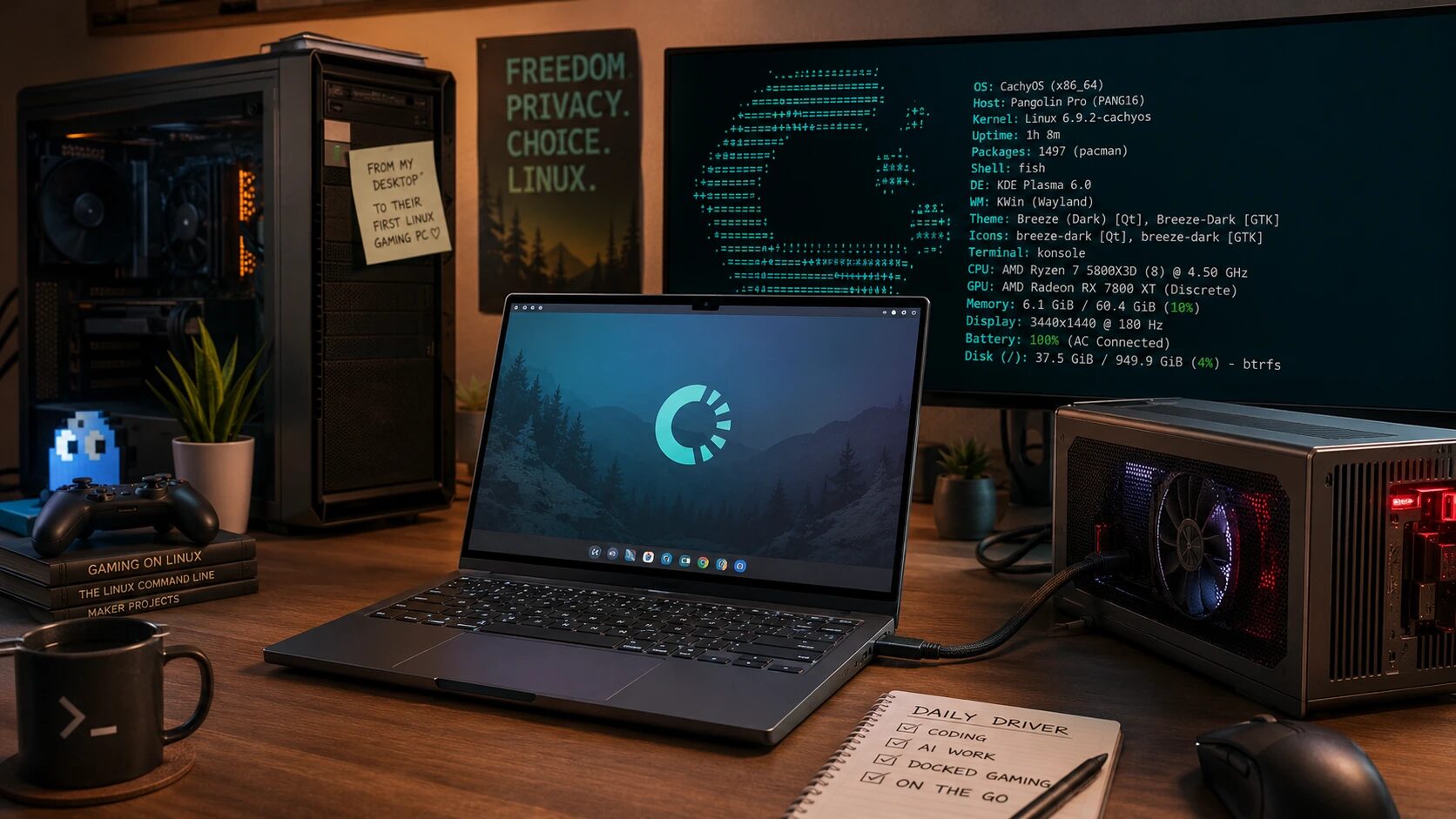
Then I bought a System76 Pangolin Pro.
And a friend told me to give CachyOS a spin.
I expected to dabble. I expected to install it, poke around, confirm my biases, and probably go back to Debian, Linux Mint, or LMDE.
That is not what happened.
Within a few days, I had moved my primary desktop to CachyOS. I kept CachyOS as the daily driver on the new Pangolin Pro. My wife tried it on her Intel/NVIDIA laptop and decided to adopt it too.
That surprised me.
Actually, it surprised me a lot.
What Is CachyOS?
CachyOS is an Arch-based Linux distribution focused on desktop performance, modern hardware support, gaming, and user experience.
That sounds like marketing until you actually use it.
What separates CachyOS from a generic Arch install is that it is not just “Arch with a theme.” CachyOS rebuilds packages for newer CPU instruction sets, ships optimized repositories, offers tuned kernels, includes hardware detection, and provides installer choices that make the system approachable without hiding the fact that it is still Arch underneath.
That last point matters.
CachyOS does not feel like a toy distro. It feels like someone took Arch, asked what modern desktop users actually need, and then did the integration work.
The Big Surprise: It Did Not Feel Like Arch Elitism
My assumption was simple: CachyOS would be fast, flashy, and probably annoying.
I expected a distribution that existed mostly so people could tell you they were running an optimized Arch system. I expected more ideology than usability.
Instead, CachyOS felt practical.
The installer was straightforward. Hardware detection worked. The desktop was polished. The system felt fast immediately. Gaming setup was easier than expected. NVIDIA support on my wife’s laptop was not the disaster I braced for. And on my full AMD systems, the experience was almost boringly good.
That is high praise.
A good Linux desktop should be exciting when you choose it and boring when you rely on it.
CachyOS managed both.
Reason 1: The Performance Is Noticeable
Let’s be careful here. I am not claiming CachyOS magically turns a laptop into a Threadripper workstation. Software optimizations are not a replacement for better hardware.
That said, the system feels fast.
Application launches feel snappy. The desktop feels responsive. Package operations are quick. Gaming feels smooth. The overall impression is not just “higher benchmark number.” It is better desktop latency and responsiveness.
CachyOS rebuilds packages for modern CPU targets such as x86-64-v3, x86-64-v4, and newer AMD Zen architectures. The project also applies performance-focused optimizations where appropriate.
For someone running full AMD desktop and laptop systems, that matters.
Modern AMD CPUs and GPUs are extremely well supported on Linux, but they benefit from newer kernels, newer Mesa, newer firmware, and a distribution that does not make you fight to get those pieces in place.
Debian is excellent. Debian is sane. Debian is stable.
But on cutting-edge desktop and gaming hardware, Debian often asks you to decide how much newer software you want to graft onto a stable base.
CachyOS starts from the other direction.
It gives you a current stack and then tries to make that stack fast, coherent, and usable.
Reason 2: Full AMD Hardware Feels Like the Sweet Spot
My desktop and laptop are full AMD stacks: AMD CPU and AMD GPU.
That has become one of the best Linux hardware combinations available.
On CachyOS, AMD feels natural. No drama. No driver scavenger hunt. No wondering whether the kernel, Mesa, firmware, and graphics stack are too old for the hardware. No PPA dance. No backports puzzle.
The experience is simply modern.
That is the kind of desktop experience I appreciate.
It tells me the project is not just chasing benchmark headlines. It is dealing with the real annoyances people hit on real hardware.
Reason 3: The Kernel and Scheduler Choices Matter
CachyOS ships a tuned kernel and offers multiple scheduler options.
For a desktop user, responsiveness matters.
For a gamer, frame pacing matters.
For a laptop user, smooth interaction under mixed workloads matters.
This is one of the places where CachyOS feels different from a traditional conservative desktop distribution. Debian tends to prioritize stability and broad correctness. CachyOS is more willing to optimize for modern desktop interactivity.
That tradeoff will not appeal to everyone.
But on my systems, it works.
Reason 4: Gaming With Proton Is Excellent
I game heavily using Proton.
That means the Linux distribution matters more than some people want to admit.
Steam Proton itself does a lot of the heavy lifting, but the surrounding system still matters. Kernel version, Mesa version, Vulkan support, GPU drivers, Wine components, filesystem performance, shader behavior, and desktop responsiveness all contribute to the final experience.
CachyOS has clearly decided that gaming is a first-class use case.
Its gaming documentation covers Steam, Proton, Proton-CachyOS, Wine-CachyOS, Lutris, Heroic, anti-cheat considerations, shader caching, launch options, and performance tuning.
CachyOS also provides Proton-CachyOS and Wine-CachyOS options. Wine-CachyOS is aimed at gaming-focused Wine use cases and includes changes intended to improve compatibility and performance for games.
That does not mean every game suddenly runs perfectly.
Linux gaming is still Linux gaming. Anti-cheat can still ruin your day. Some games still require launch options. ProtonDB remains your friend.
But on my AMD systems, CachyOS gives me exactly what I want: current graphics, sane gaming defaults, easy access to gaming tools, and less time spent bolting together the pieces myself.
One detail really stood out to me: this is the first time I have been able to get the Blizzard in-game store to function properly without manipulating configurations, applying workarounds, or chasing forum posts. It literally just worked out of the box.
That may sound like a small thing, but for anyone who has gamed on Linux for years, those small things are often the difference between “Linux gaming works” and “Linux gaming feels finished.”
Reason 5: NVIDIA Was Less Painful Than Expected
My wife’s laptop is Intel/NVIDIA.
That is where I expected friction.
Anyone who has used Linux long enough knows the NVIDIA story. It is better than it used to be, but it still has enough history to make longtime Linux users suspicious.
CachyOS handles hardware through its hardware detection tooling, which can install the needed packages and drivers for the running system, including systems with NVIDIA graphics.
That matters for normal users.
It also matters for experienced users who simply do not want to babysit NVIDIA driver configuration every time they install a system.
That is not theoretical polish. That is the kind of work that keeps real laptops usable.
The fact that my wife adopted CachyOS on Intel/NVIDIA hardware says a lot. A distribution can impress me on an all-AMD machine and still fall apart when handed to someone else with hybrid graphics.
CachyOS did not fall apart.
Reason 6: The Installer Does Not Waste Your Time
I am perfectly capable of installing Arch manually.
That does not mean I want to.
There is a difference between knowledge and needless ritual.
CachyOS offers a graphical installer as well as a CLI installer. It also allows users to choose from multiple desktop environments and window managers during installation, including KDE Plasma, GNOME, COSMIC, Hyprland, Sway, XFCE, and more.
That is one of the reasons CachyOS avoids the trap I expected.
It does not seem interested in proving that you are worthy of using it. It lets you install the system, choose your environment, and get to work.
That is how desktop Linux should be.
Reason 7: Pacman Is Different, But Not Bad
Coming from Debian, the package system is the biggest mental shift.
I know apt. I trust apt. I have lived in Debian packaging for decades.
Moving to pacman means learning new muscle memory.
Instead of:
sudo apt update
sudo apt upgrade
sudo apt install package-name
You are now in:
sudo pacman -Syu
sudo pacman -S package-name
The first few days feel strange.
Then it starts to click.
Pacman is fast. The package names are usually sane. The Arch Wiki is still one of the best technical resources in the Linux world. The AUR is powerful, although it deserves respect and caution.
That last part is important.
The AUR is not magic. It is not a security model. It is a user repository. You should read what you install. You should understand what helpers are doing. You should avoid turning your system into a junk drawer.
But compared to the Debian desktop experience of sometimes needing PPAs, third-party .deb files, vendor repos, Flatpaks, AppImages, and backports, the Arch ecosystem can feel surprisingly unified.
Not safer by default.
Not more stable by default.
But more direct.
Reason 8: It Feels Like a Modern Desktop Distribution
This may be the real reason CachyOS won me over.
It feels modern without feeling unserious.
There are plenty of desktop Linux distributions that look good in screenshots but fall apart under daily use. CachyOS does not feel like that. It feels like a distribution built by people who actually use modern Linux desktops.
The little things matter.
Package management matters. Driver handling matters. Snapshots matter. Gaming support matters. Fingerprint readers matter. External displays matter. Suspend and resume matter. Bluetooth matters. Modern kernels matter.
That is desktop plumbing.
That is what makes a system feel finished.
Reason 9: It Is Rolling Release Without Feeling Reckless
Debian users tend to be cautious for good reasons.
We like systems that work tomorrow because they worked yesterday. We do not usually enjoy waking up to a broken desktop because half the graphics stack changed overnight.
CachyOS is still Arch-based. That means it is rolling release. Updates matter. Reading update notes matters. Snapshots matter. Paying attention matters.
But CachyOS does not feel reckless.
The project adds guardrails. It includes hardware detection. It provides documentation. It has its own optimized repositories. It integrates many pieces that a user would otherwise assemble manually.
This is not Debian stable.
It is not trying to be Debian stable.
And that is fine.
For a desktop, especially a gaming desktop or a modern laptop, there is a real argument for newer kernels, newer Mesa, newer firmware, and faster access to improvements.
CachyOS makes that argument well.
Reason 10: It Passed the Family Test
It is one thing for me to enjoy a Linux distribution.
I am a Linux veteran. I can work around problems. I can tolerate rough edges if the benefits are worth it. I can fix a broken bootloader before coffee if I have to.
That is not the standard for a general desktop.
The stronger test is whether someone else can live with it.
My wife adopting CachyOS matters because her laptop is not the same as my systems. It is Intel/NVIDIA hardware. It is a different use case. It has different expectations.
If the system required constant explanation, she would not keep using it.
That is one of the strongest endorsements I can give CachyOS right now.
It impressed the Linux veteran, but it also passed the practical household test.
What I Still Love About Debian
This is not an anti-Debian article.
Debian remains one of the most important Linux distributions ever created. It is still my default mental model for servers. It is still the foundation for a massive part of the Linux ecosystem. It still represents stability, freedom, and community-driven engineering in a way few projects can match.
Debian is not suddenly bad because CachyOS impressed me.
But desktop Linux has changed.
Hardware moves faster. Gaming matters more. Laptops are more complex. GPUs are more important. Firmware and kernel cadence matter. Users expect fingerprint readers, hybrid graphics, suspend/resume, external monitors, modern Bluetooth, VRR, HDR experiments, and current application stacks.
Debian can do many of these things.
CachyOS simply made them feel easier on my current hardware.
The Debian Veteran’s Bottom Line
I went into CachyOS expecting to confirm my skepticism.
Instead, I changed my primary desktop. I kept it on my new System76 Pangolin Pro. My wife moved to it too.
That does not happen because of hype.
It happened because CachyOS delivered a fast, polished, practical desktop experience on the hardware I actually use.
For my full AMD desktop and laptop systems, CachyOS feels like a near-perfect match. For gaming with Proton, it provides a current and well-integrated stack. For my wife’s Intel/NVIDIA laptop, the hardware detection and driver handling made the transition far less painful than expected.
I still have decades of Debian muscle memory.
I am still learning pacman.
I still think Arch culture can be a little much from the outside.
But CachyOS changed my perspective.
It took something I expected to dislike and turned it into something I now rely on every day.
That is rare.
And for a 30-year Linux veteran who has been using Debian on the desktop since Sarge, that is saying something.